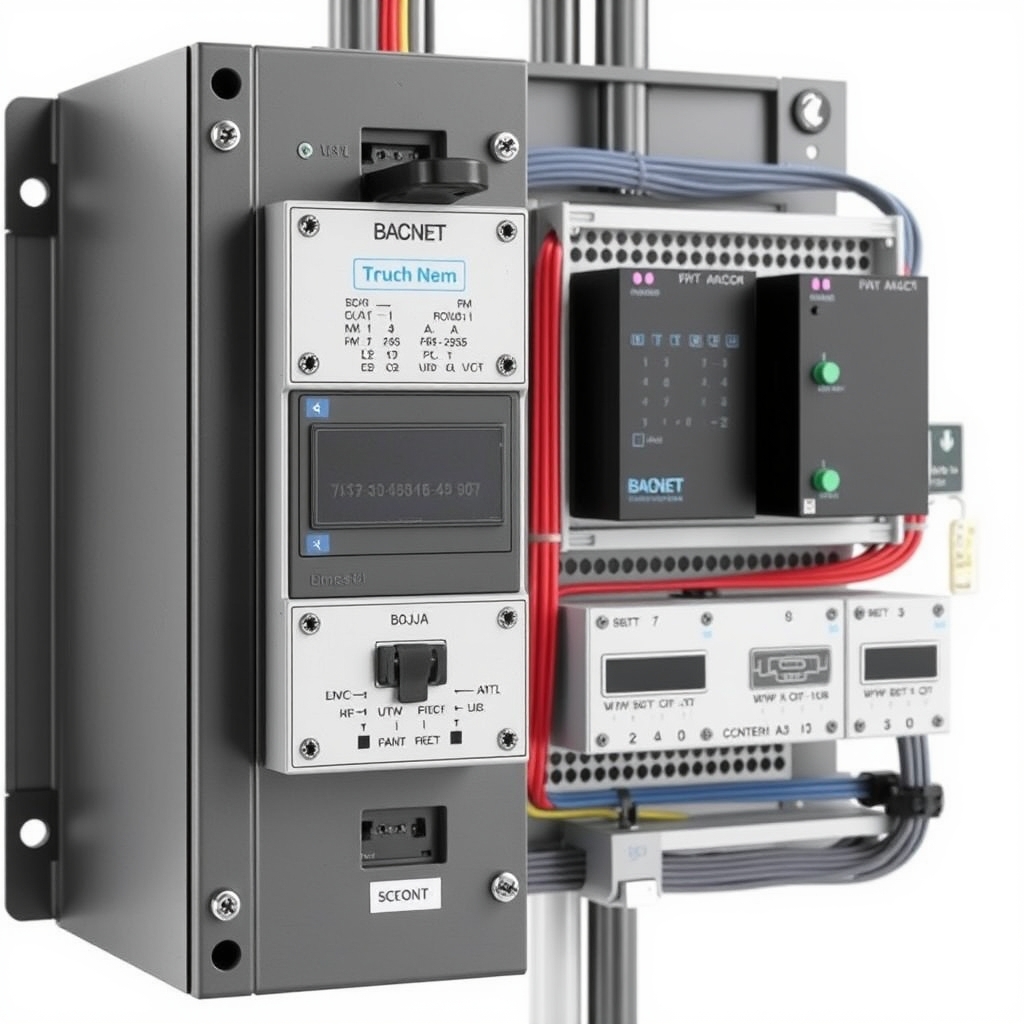
Integrating ANSI/ASHRAE Standard 135 BACnet networks into Schneider Electric EcoStruxure Building Operation (EBO) requires a structured approach to system topology, network numbering, physical layer design, and database mapping. As modern smart facilities expand, maintaining network stability across multi-subnet enterprise environments depends on disciplined initial planning rather than post-commissioning troubleshooting. This guide details the architectural considerations, configuration workflows, and performance optimization techniques required for reliable EcoStruxure BACnet integration.
Architecture and Topology Planning for EBO BACnet Networks
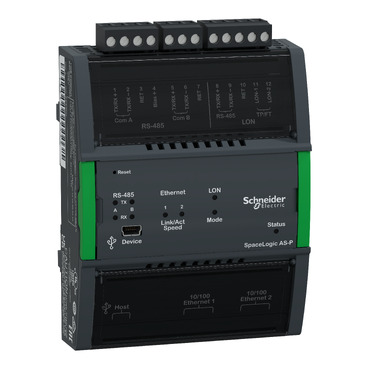
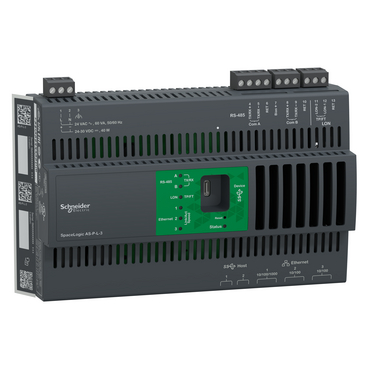
In an EcoStruxure Building Operation system, server roles are defined by their position in the operational hierarchy. The Enterprise Server acts as the central management engine, while SpaceLogic Automation Servers (such as the AS-P and AS-B series) serve as field-level processing nodes. SpaceLogic Automation Servers frequently function as BACnet Building Controllers (B-BC), providing routing between high-speed IP networks and localized field buses.
When designing network topology, engineers must establish clear boundaries between the BACnet IP backbone and localized BACnet Master-Slave/Token-Passing (MS/TP) subnets. The BACnet IP network connects Enterprise Servers, SpaceLogic servers, third-party chillers, power meters, and high-density controllers over ethernet infrastructure. Field devices such as VAV controllers, fan coil units, and small power sub-meters connect to the RS-485 serial ports of SpaceLogic servers using BACnet MS/TP.
To review hardware capabilities and platform specifications, reference the official Schneider Electric EcoStruxure Building Operation product catalog. For complex facility deployments, engaging specialized BMS Engineering and System Integration Services helps ensure field topology is properly aligned with EBO server limits and IT security guidelines.
Managing BACnet Device IDs and Network Numbers Across the EBO Domain
Addressing conflicts are among the most common causes of communication failure in large BACnet systems. Every BACnet network segment must have a unique BACnet Network Number, and every BACnet device across the entire interconnected enterprise must possess a globally unique BACnet Device Instance ID (ranging from 0 to 4,194,302).
Establishing a standardized numbering schema prior to installation prevents routing loops and object collisions. A recommended practice is to encode building numbers, floor levels, or server IDs directly into the numbering scheme. For instance, Network Numbers can follow a convention such as 10100 for Building 1 Floor 1 MS/TP trunk 1, while Device IDs map building and controller sequential numbers (e.g., 101001 for controller 1 on that trunk).
Important Rule: Confirm that BACnet Network Numbers and Device IDs are globally unique across all interconnected subnets to prevent routing collisions in the EBO Enterprise Server environment. Duplicate Network Numbers cause routing tables to drop packets, while duplicate Device IDs lead to intermittent offline status and incorrect point binding inside the EBO database.
When BACnet IP traffic must cross IP subnets separated by network routers, configuring a BACnet/IP Broadcast Management Device (BBMD) is required. BBMDs collect local Who-Is and I-Am broadcast messages, encapsulate them into unicast IP packets, and forward them across IP routers to remote subnets. Devices operating on foreign subnets without a dedicated BBMD must use Foreign Device Registration (FDR) to register their IP addresses with a designated BBMD on the network. For official guidelines on network protocol structures, refer to the BACnet International Official Portal.
Physical Layer Guidelines and RS-485 Configuration for SpaceLogic Controllers
The physical stability of a BACnet MS/TP subnet relies on strict compliance with the RS-485 standard. SpaceLogic AS-P and AS-B servers feature configurable RS-485 ports that support BACnet MS/TP communication. Wiring must follow a continuous daisy-chain topology; star, tree, or T-tap configurations introduce signal reflections that distort communication frames.
Engineers must verify maximum recommended BACnet MS/TP device limits per RS-485 channel on SpaceLogic AS-P/AS-B servers based on the specific EBO firmware release and communication baud rate (e.g., 38.4 kbps vs 76.8 kbps). Physical transceiver loading also dictates device limits. Devices with 1/8 unit load transceivers impose significantly less electrical load than legacy 1-unit load devices, allowing higher node counts per segment when supported by server processing limits.
| Parameter | 38.4 kbps Configuration | 76.8 kbps Configuration |
|---|---|---|
| Maximum Recommended Trunk Length | 1200 meters (4000 feet) | 1000 meters (3300 feet) |
| Cable Specification | 18-24 AWG, Low-Capacitance, Shielded Twisted Pair | 18-24 AWG, Low-Capacitance, Shielded Twisted Pair |
| Termination Resistors | 120-ohm matched resistors at both physical ends | 120-ohm matched resistors at both physical ends |
| Shield Grounding | Single-point chassis ground at SpaceLogic server end | Single-point chassis ground at SpaceLogic server end |
Correct termination is vital. Biasing and 120-ohm end-of-line (EOL) resistors must be activated or physically installed on the two ultimate physical ends of each RS-485 segment. The cable shield must remain continuous along the entire bus and be connected to earth ground at only one single location—typically at the SpaceLogic server—to prevent ground loops.
Step-by-Step EBO WorkStation BACnet Discovery and Object Mapping
Once physical wiring and IP routing are established, integration proceeds inside EBO WorkStation through a structured workflow:
- Create BACnet Interface: Under the desired SpaceLogic server's System Tree, add a BACnet Interface object. Specify whether it will host BACnet IP, BACnet MS/TP on a local serial port, or both. Set the local server's Device Object ID and assign its unique Network Number.
- Configure BBMD / FDR (If Applicable): If managing multi-subnet IP environments, enter the BBMD IP Address and UDP Port (default 0xBAC0 / 47808) inside the BACnet Interface configuration properties.
- Execute Device Discovery: Open the BACnet Device Discovery view in EBO WorkStation. Trigger a Who-Is query across the network. EBO scans the defined network scope and lists all responding devices along with their MAC addresses, Vendor IDs, and Device Instance IDs.
- Host Devices and Check Profiles: Drag discovered devices into the EBO system tree under the appropriate BACnet interface. Verify that the controller profile matches its expected BTL implementation (e.g., B-AAC or B-ASC). BTL profiles can be cross-checked via the BACnet International Product Catalog for Schneider Electric BTL Listings.
- Import and Map BACnet Objects: Navigate the object tree of each hosted device to discover binary inputs/outputs (BI/BO), analog inputs/outputs (AI/AO), and multi-state variables (MSI/MSO). Create EBO network points linked to these objects for use in graphic displays, trend logs, and central alarm management.
If you require engineering assistance with system commissioning or technical auditing, submit a request through our quotation and technical support portal.
Performance Optimization and Troubleshooting Routing Conflicts
Large BACnet networks require continuous monitoring to maintain fast display refresh rates and reliable alarm delivery. A primary cause of latency on MS/TP trunks is excessive polling. Where supported by field devices, configure Change of Value (COV) subscriptions rather than periodic polling. COV allows field controllers to push data to the SpaceLogic server only when a value exceeds a predefined increment, significantly reducing RS-485 traffic.
When troubleshooting communication anomalies, review EBO system alarms and trace logs. Key diagnostic steps include:
- Duplicate Device ID Alarms: Inspect EBO trace logs to identify competing IP or MAC addresses claiming the same Device Instance ID. Reassign the offending device ID using the vendor's configuration tool.
- Token Pass Breakdowns: If devices drop offline intermittently on MS/TP, utilize an RS-485 protocol analyzer or Wireshark with a serial capture tap. Check for frame errors, missing token passes, or mismatched baud rates.
- Memory and Polling Bottlenecks: Monitor CPU usage and available RAM on SpaceLogic AS-P/AS-B servers. Avoid hosting an excessive number of third-party BACnet MS/TP points on a single server port if high-frequency trend logging is enabled.
By enforcing precise network numbering, respecting physical RS-485 layer constraints, and utilizing structured object mapping in EBO WorkStation, system integrators can build high-performance, scalable BACnet architectures within Schneider Electric EcoStruxure environments.